
Football Clip Art | Black or White?
Features in focus
-
 Pixel Density
Pixel Density can find Outlines or Silhouettes
It’s football season. Time for outings to the big stadium and huge good old football parties. Of course were going to need some excellent invitations and for that we are going ot need great clip art. But what do we pick? Should our powerful quarterback be rendered in an outline with thick lines or should it be filled with large blocks of ink?
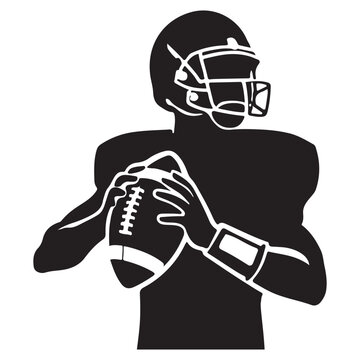
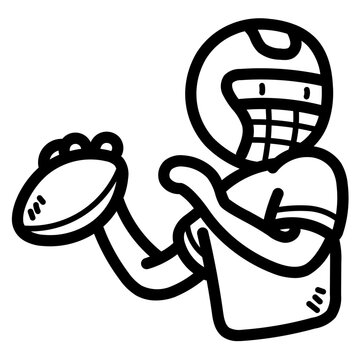
One of our features, pixel density, helps us separate mono color clip art from thin outlines all the way to solid black silhouettes and everything in between. Pixel density tells you how much of a piece of clip art is filled in with ink. Take for example the two pieces of clip art below.

The image to the left is largely filled in with ink with only some inverted lines to produce detail and segmentation. On the right side, we have the opposite where the fills have no ink in them and the black lines provide detail and segmentation. As a result we can see large difference in the pixel density the nearly filled quarterback has a dark ratio of .663 while the outline has a pixel density of .118.
Gradient of Pixel Density
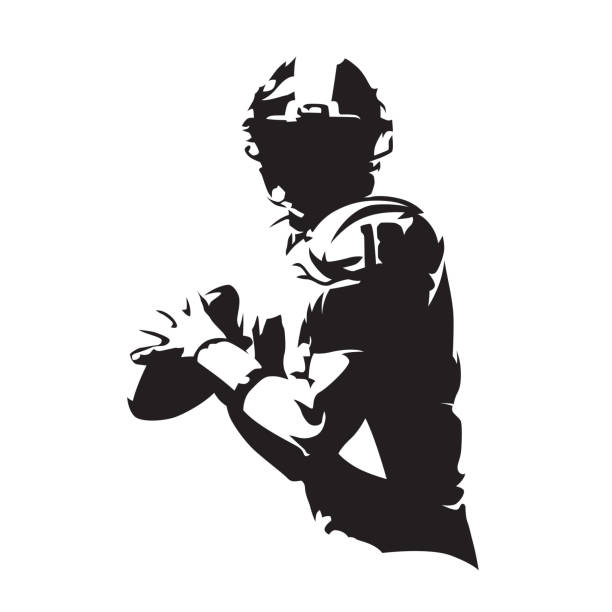
If we put several pieces together for their pixel density you can really see how the amount of ink can have a dramatic impact on look and feel of the art. On one end you have line drawing with varying line widths while the other end we have more filled in clip art in a style close to silhouette.
Now when searching for the right kind of clip art for your big football party you can use pixel density to help you find silhouettes or outlines!
Change Pixel Density for Yourself
Below we have two football images. Select the image and your tool (pencil, circle, or square) and remove or add pixels to see how it changes the pixel density. As that number changes you will see images that have similar pixel density.
0.00
Some pixel density
of the art's pixels are ink (0 / 0)